
Imagine accidentally deleting an important email, a single customer record, or a critical document. Now imagine having to restore an entire backup just to recover that one file. That sounds frustrating, doesn’t it?
In my experience researching backup and disaster recovery solutions, this is exactly where granular recovery technology becomes incredibly valuable. Instead of restoring an entire system or database, it allows you to recover only the specific item you need. This saves time, reduces downtime, and makes data recovery much more efficient.
As businesses continue to generate massive amounts of data every day, recovery methods also need to become smarter. Granular recovery technology is one of those innovations that has transformed how organizations protect and restore their information.
In this guide, I’ll explain what granular recovery technology is, how it works, where it’s used, its benefits, limitations, and why it has become an essential part of modern backup solutions.
What Is Granular Recovery Technology?
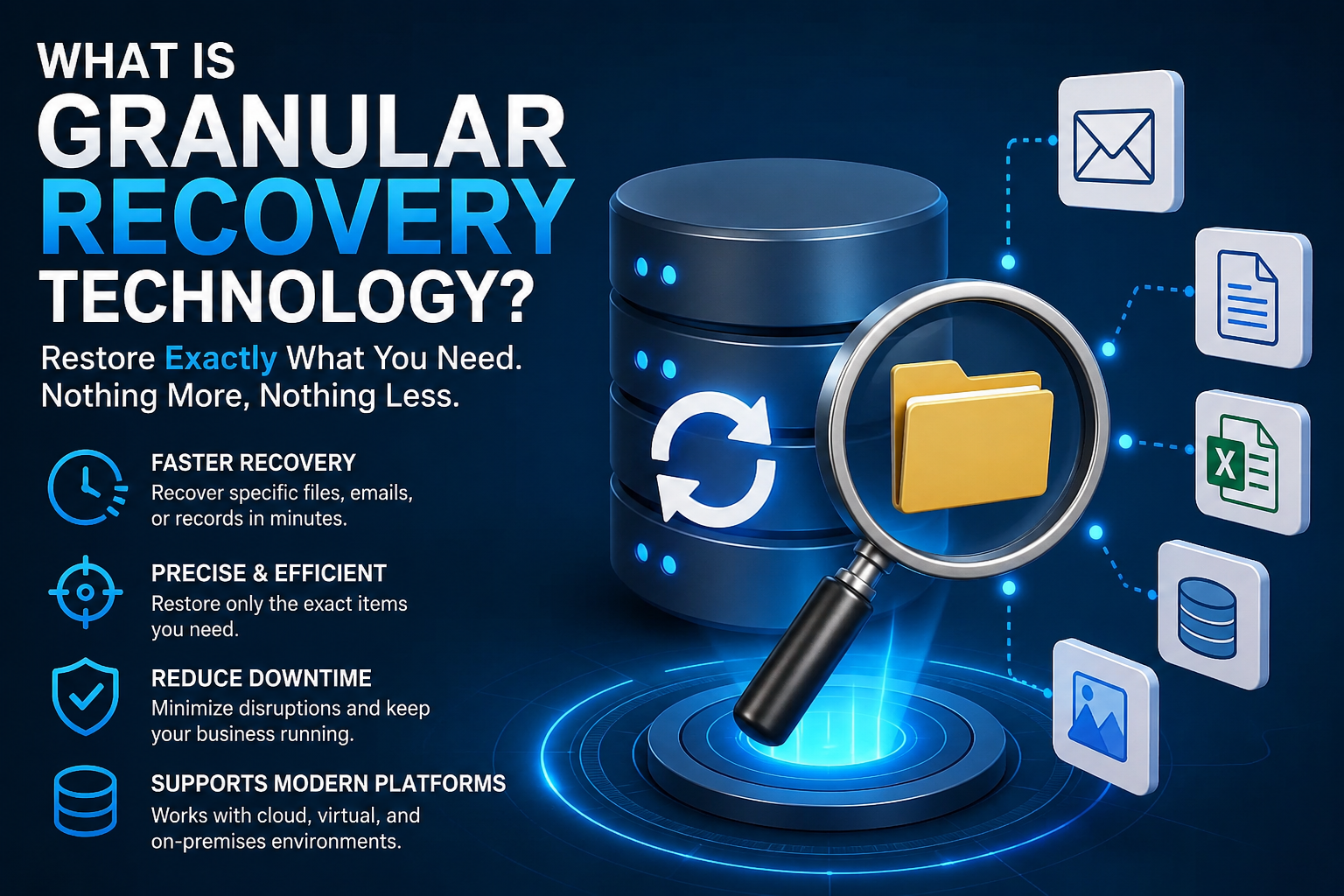
Granular recovery technology (GRT) is a backup and recovery feature that lets you restore individual files, folders, emails, database records, virtual machine items, or application objects without restoring the entire backup.
Simply put, it gives you the ability to recover exactly what was lost—and nothing more.
Instead of spending hours recovering an entire server because one spreadsheet disappeared, granular recovery lets you restore that single spreadsheet in just a few minutes.
This approach makes backup management much more flexible and efficient.
Why Was Granular Recovery Developed?
Traditional backup systems worked well when businesses mainly needed complete system recovery after hardware failures.
However, over time, a different problem became more common.
Most recovery requests involved small mistakes like:
- Accidentally deleting files
- Removing emails
- Overwriting documents
- Losing individual database records
- Corrupting a single application item
Restoring an entire backup for these minor issues wasted time and computing resources.
Granular recovery technology was created to solve this exact problem.
Read More: What Is Gainwell Technologies?
How Does Granular Recovery Technology Work?
Although the technical process varies between backup software providers, the overall concept is fairly straightforward.
Here’s how it generally works:
Step 1: Data Is Backed Up
The backup system captures data from:
- File servers
- Virtual machines
- Email systems
- Cloud applications
- Databases
- Business applications
Step 2: The Backup Is Indexed
Instead of storing only one large backup file, the system creates an index of individual objects inside the backup.
Think of it like the index at the back of a book.
Rather than reading every page, you can immediately jump to the information you need.
Step 3: Recovery Request
When someone needs a deleted item, they simply search for it.
Examples include:
- A deleted email
- A missing Word document
- A single SQL record
- A SharePoint document
- A Microsoft 365 mailbox item
Step 4: Only That Item Is Restored
Instead of restoring hundreds of gigabytes of data, only the requested object is recovered.
The rest of the backup remains untouched.
Types of Data That Can Be Recovered
One thing I appreciate about granular recovery is its flexibility.
Modern solutions often support recovery of:
- Individual files
- Folders
- Emails
- Email attachments
- Calendars
- Contacts
- Databases
- Virtual machine files
- SharePoint documents
- Microsoft 365 items
- Active Directory objects
- Cloud storage files
The exact capabilities depend on the backup software being used.
Real-World Example
Let’s say your company has a 5 TB file server.
One employee accidentally deletes an important presentation that took months to prepare.
Without granular recovery:
- Restore the entire server backup
- Wait several hours
- Extract the correct file
- Copy it back
With granular recovery:
- Search for the file
- Click Restore
- Recover it within minutes
In my experience studying disaster recovery workflows, this difference can dramatically reduce downtime and improve productivity.
Key Benefits of Granular Recovery Technology
There are many reasons organizations prefer granular recovery over traditional recovery methods.
1. Faster Recovery
This is probably the biggest advantage.
Recovering a single file takes minutes instead of hours.
That means employees can resume work much sooner.
2. Reduced Downtime
Downtime costs money.
Whether it’s a hospital, online store, school, or financial institution, every minute matters.
Granular recovery minimizes interruptions by restoring only what’s needed.
3. Better Productivity
IT teams don’t need to perform large-scale restores for small issues.
Instead, they can solve problems quickly and move on to other important tasks.
4. Lower Storage Requirements
Some backup solutions optimize storage by avoiding unnecessary full restores.
This reduces storage overhead and improves efficiency.
5. Improved User Experience
Employees no longer need to wait all day for IT to recover a deleted file.
Most recovery requests can be completed much faster.
6. Supports Modern Applications
Today’s organizations rely heavily on cloud services like:
- Microsoft 365
- Exchange
- SharePoint
- OneDrive
- Google Workspace
- VMware
- Hyper-V
Granular recovery is designed to work with many of these platforms.
Common Use Cases
Granular recovery technology is useful across many industries.
Some common examples include:
Recovering Deleted Emails
One of the most frequent requests IT departments receive.
Instead of restoring an entire mailbox database, administrators recover only the deleted email.
Restoring Individual Files
Employees accidentally delete:
- PDFs
- Excel sheets
- Word documents
- Presentations
- Images
Granular recovery makes restoration simple.
Database Recovery
Rather than restoring an entire database server, administrators can recover specific records or objects.
Virtual Machine Recovery
Modern backup systems allow administrators to recover:
- Individual files
- Configuration files
- Application data
without restoring the whole virtual machine.
Cloud Application Recovery
Businesses using cloud software often recover:
- SharePoint documents
- Teams conversations
- OneDrive files
- Exchange Online emails
quickly and efficiently.
How Granular Recovery Differs from Traditional Recovery
The biggest difference is precision.
Traditional recovery focuses on restoring entire systems or complete backups.
Granular recovery focuses on restoring only the required object.
Think of it like replacing one damaged page in a book instead of printing the entire book again.
That simple difference can save hours of work.
Challenges and Limitations
While granular recovery offers many benefits, it isn’t perfect.
Some challenges include:
Backup Software Compatibility
Not every backup solution supports advanced granular recovery.
Organizations should verify available features before choosing backup software.
Recovery Speed Depends on Backup Design
Poorly organized backups may still require additional processing before recovery.
A well-designed backup strategy improves performance.
Licensing Costs
Some enterprise backup products charge extra for advanced granular recovery features.
Organizations should compare costs with expected recovery needs.
Complex Applications
Highly customized applications may require specialized recovery procedures beyond standard granular recovery capabilities.
Best Practices for Using Granular Recovery
If you’re planning to implement granular recovery, these practices can make a significant difference.
Perform Regular Backups
Granular recovery only works if recent backups exist.
Automated backup schedules are essential.
Test Recovery Frequently
A backup is only useful if it can actually be restored.
Run recovery tests regularly.
Keep Backup Software Updated
New software versions often improve:
- Security
- Performance
- Recovery options
- Cloud compatibility
Document Recovery Procedures
Create simple recovery guides for IT teams.
Clear documentation reduces mistakes during emergencies.
Protect Backup Data
Backup files should be encrypted and stored securely.
Remember that backup systems themselves can become cyberattack targets.
Is Granular Recovery Worth It?
From everything I’ve researched, the answer is yes for most organizations.
Modern businesses create thousands—or even millions—of digital files every year.
The majority of recovery requests involve individual items rather than complete system failures.
Granular recovery addresses this everyday challenge exceptionally well.
Even small businesses can benefit by reducing recovery time, minimizing disruptions, and improving employee productivity.
For larger organizations, the time savings can be enormous.
Who Should Use Granular Recovery Technology?
Granular recovery is especially valuable for:
- Small businesses
- Large enterprises
- Educational institutions
- Healthcare organizations
- Government agencies
- Financial institutions
- Managed service providers
- Cloud service providers
- IT administrators
- Database managers
Any organization that depends on digital information can benefit from faster, more targeted recovery options.
Final Thoughts
Granular recovery technology has changed the way modern backup systems handle data restoration. Instead of treating every recovery request as a full-scale disaster, it focuses on recovering only the information that’s actually needed.
In my experience researching data protection strategies, this approach offers a practical balance between speed, efficiency, and reliability. Whether it’s a deleted email, an important document, or a specific database record, being able to restore just that item saves valuable time and reduces unnecessary complexity.
As businesses continue moving toward cloud platforms, virtualization, and increasingly data-driven operations, granular recovery will remain an essential feature of any strong backup strategy.
The biggest lesson is simple: the best backup solution isn’t just the one that stores your data—it’s the one that helps you recover the right data quickly when you need it most. Investing in a solution with granular recovery capabilities can make everyday recovery tasks easier while also strengthening your overall disaster recovery readiness.