
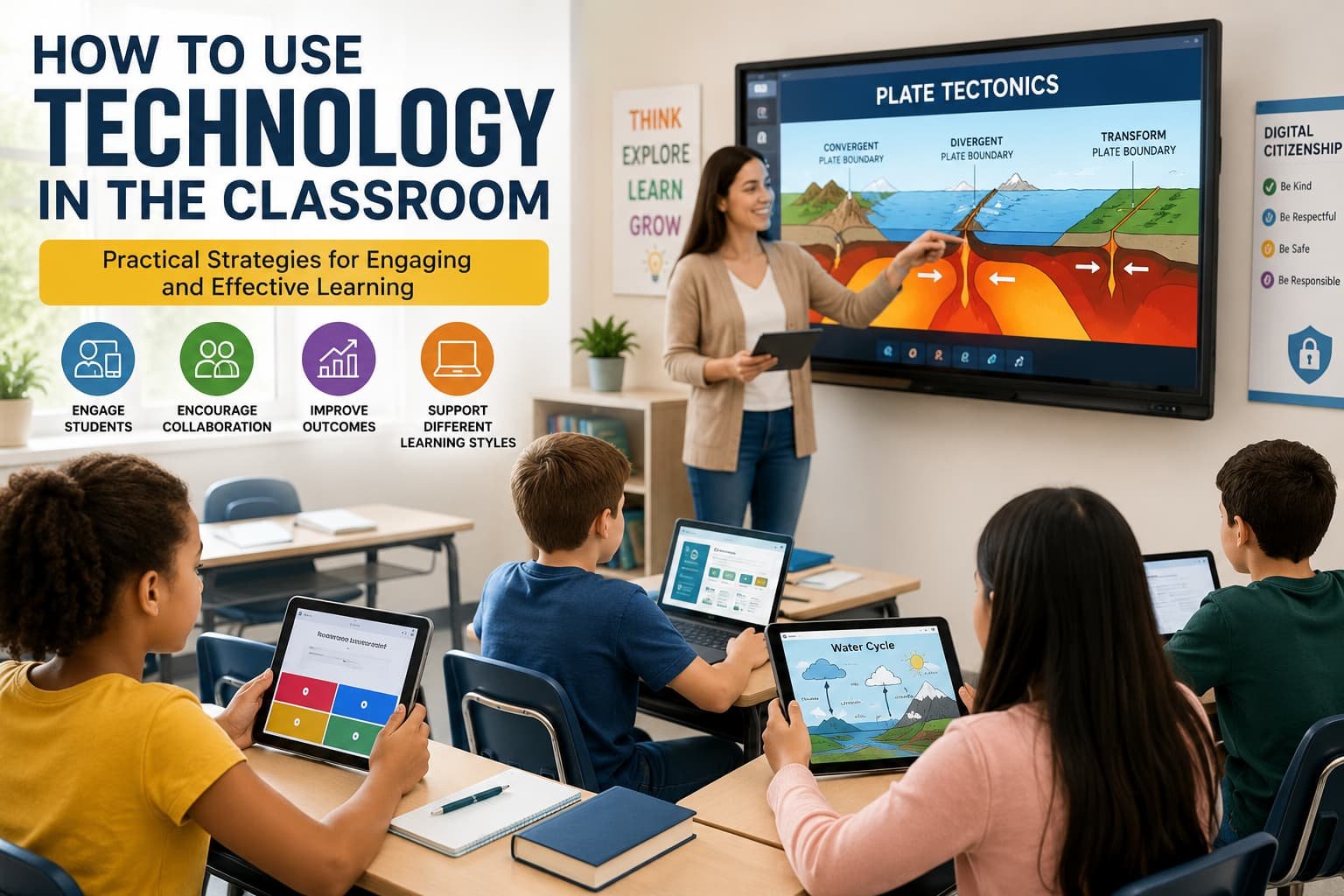
Technology has transformed almost every part of our lives, and education is no exception. From interactive whiteboards to learning management systems and educational apps, digital tools are changing how students learn and how teachers teach.
In my experience, simply adding technology to a classroom does not automatically improve learning. I have seen classrooms filled with devices where students were distracted, and I have also seen simple technology solutions completely transform engagement and participation. The difference often comes down to how the technology is used rather than which tools are available.
The goal should never be to use technology for the sake of technology. Instead, it should help students understand concepts more clearly, collaborate more effectively, and develop skills they will use beyond the classroom.
In this guide, I will share practical ways to use technology in the classroom, common mistakes to avoid, and proven strategies that can create a more engaging learning environment.
Why Technology Matters in Modern Education
Today’s students grow up surrounded by digital devices. They search for information online, communicate through apps, and consume content in multiple formats every day.
When used thoughtfully, classroom technology can:
- Increase student engagement
- Support different learning styles
- Encourage collaboration
- Provide instant feedback
- Improve access to learning resources
- Develop digital literacy skills
- Personalize the learning experience
More importantly, technology can help bridge the gap between traditional education and the real-world skills students need in the future.
See More: What Is Smart Response Technology?
Start with Learning Goals, Not Technology
One lesson I learned early on is that technology should support educational objectives, not replace them.
Before introducing any digital tool, ask:
- What learning problem am I trying to solve?
- How will this tool improve understanding?
- Will it save time or create unnecessary complexity?
- Does it encourage active participation?
For example, if students struggle to visualize scientific processes, an interactive simulation may help. If collaboration is the goal, shared online documents may be more effective than traditional worksheets.
Starting with the learning objective keeps technology purposeful and meaningful.
Use Interactive Presentations to Increase Engagement
Traditional lectures can sometimes make students passive learners. Interactive presentations encourage participation and keep attention focused.
Some effective approaches include:
Adding Live Polls
Students can answer questions in real time using their devices. This helps teachers:
- Check understanding instantly
- Identify misconceptions
- Encourage participation from quieter students
Using Interactive Quizzes
Short quizzes throughout a lesson can:
- Reinforce learning
- Maintain attention
- Make lessons more enjoyable
Incorporating Multimedia
Videos, animations, and interactive graphics often explain concepts more effectively than text alone.
For example, when teaching geography, an interactive map can help students explore locations and understand relationships between regions much more clearly than a static image.
Encourage Collaboration Through Digital Tools
Collaboration is one of the most valuable skills students can develop.
Technology makes collaboration easier, even when students are working from different locations or at different times.
Some practical examples include:
- Shared documents for group projects
- Collaborative presentations
- Online discussion boards
- Digital brainstorming tools
In one classroom project I observed, students worked together on a shared document to create a research report. Every contribution was visible, making teamwork more transparent and encouraging accountability.
Students were far more engaged than they were during traditional group assignments.
Personalize Learning Experiences
Every student learns differently.
Some students grasp concepts quickly, while others need additional practice and support.
Technology can help personalize instruction by allowing students to:
- Learn at their own pace
- Access additional resources
- Review difficult topics
- Explore advanced material
Adaptive learning platforms are particularly useful because they adjust content based on student performance.
Instead of delivering the same lesson to every student in exactly the same way, teachers can provide learning experiences that better match individual needs.
Use Educational Apps Wisely
Educational apps can be powerful tools when selected carefully.
However, not every app contributes meaningful educational value.
When evaluating an app, consider:
- Does it align with learning objectives?
- Is it easy for students to use?
- Does it encourage critical thinking?
- Can progress be tracked?
- Does it protect student privacy?
The best educational apps support active learning rather than passive consumption.
Students should be creating, solving, analyzing, or collaborating—not simply tapping through screens.
Leverage Video for Better Understanding
Video has become one of the most effective educational resources available today.
Students often understand complex concepts more easily when they can see them in action.
Video can be used to:
- Demonstrate experiments
- Explain difficult concepts
- Introduce new topics
- Review lessons
- Support flipped classroom models
In my experience, short videos are usually more effective than long ones. Keeping videos focused and relevant helps maintain student attention.
A five-minute targeted explanation often has more impact than a thirty-minute lecture recording.
Create a Flipped Classroom Environment
The flipped classroom approach reverses the traditional teaching model.
Instead of learning new material during class and completing homework afterward, students review instructional content at home and use class time for activities.
Technology makes this model possible.
Teachers can provide:
- Recorded lessons
- Video tutorials
- Digital readings
- Interactive modules
Classroom time can then focus on:
- Discussions
- Problem-solving
- Projects
- Individual support
This approach allows students to learn foundational content at their own pace while maximizing meaningful classroom interaction.
Use Technology for Assessment and Feedback
One of the biggest advantages of educational technology is the ability to provide quick feedback.
Traditional grading often takes days or even weeks.
Digital assessment tools can provide:
- Instant quiz results
- Automated feedback
- Progress tracking
- Performance analytics
Students benefit because they immediately understand where they need improvement.
Teachers benefit because they gain valuable insights into learning gaps and classroom performance trends.
Regular feedback creates opportunities for continuous improvement rather than waiting until the end of a unit.
Support Different Learning Styles
Students process information in different ways.
Technology allows teachers to present content through multiple formats:
Visual Learners
- Infographics
- Videos
- Interactive diagrams
- Digital presentations
Auditory Learners
- Podcasts
- Recorded lectures
- Audio discussions
Kinesthetic Learners
- Interactive simulations
- Virtual labs
- Educational games
Providing content in multiple formats increases accessibility and improves comprehension.
Teach Digital Citizenship
Using technology responsibly is just as important as using it effectively.
Students need guidance on:
- Online safety
- Digital etiquette
- Information verification
- Cybersecurity awareness
- Responsible social media use
One challenge many educators face today is helping students distinguish reliable information from misinformation.
Teaching critical evaluation skills should be a regular part of technology integration.
Students must learn not only how to access information but also how to assess its credibility.
Common Mistakes to Avoid
While technology offers many benefits, there are several pitfalls to watch for.
Using Too Many Tools
Introducing multiple platforms at once can overwhelm students.
Focus on a few tools that provide the greatest value.
Prioritizing Technology Over Learning
Technology should support instruction, not become the main attraction.
Always connect digital activities to clear learning outcomes.
Ignoring Training
Both teachers and students need time to become comfortable with new tools.
Proper training reduces frustration and improves effectiveness.
Failing to Have a Backup Plan
Technical issues happen.
Always prepare an alternative activity in case technology fails unexpectedly.
A Simple Step-by-Step Approach to Technology Integration
If you are unsure where to begin, this framework can help:
Step 1: Identify a Learning Challenge
Determine what problem needs solving.
Step 2: Select the Right Tool
Choose technology that directly addresses that challenge.
Step 3: Start Small
Introduce one tool or strategy at a time.
Step 4: Measure Results
Evaluate student engagement and learning outcomes.
Step 5: Refine and Improve
Adjust your approach based on feedback and observations.
This gradual process reduces complexity and increases the chances of success.
The Future of Technology in the Classroom
Educational technology continues to evolve rapidly.
Artificial intelligence, virtual reality, augmented reality, and personalized learning platforms are creating new opportunities for teaching and learning.
However, the most successful classrooms will not necessarily be the ones with the newest technology.
They will be the classrooms where technology is used intentionally to enhance understanding, creativity, collaboration, and critical thinking.
The human element of education will always matter most.
Technology is a tool—not a replacement for effective teaching.
Conclusion
Learning how to use technology in the classroom effectively requires more than simply adding devices or software. The key is aligning technology with educational goals and using it to create meaningful learning experiences.
In my experience, the best results come from starting with a clear objective, choosing tools that genuinely support learning, and focusing on engagement rather than novelty. Whether through interactive presentations, collaborative projects, personalized learning platforms, or digital assessments, technology can make education more dynamic and accessible when used thoughtfully.
The real question is not whether technology belongs in the classroom—it already does. The challenge is learning how to use it in ways that help students learn better, think deeper, and prepare for a rapidly changing world.