
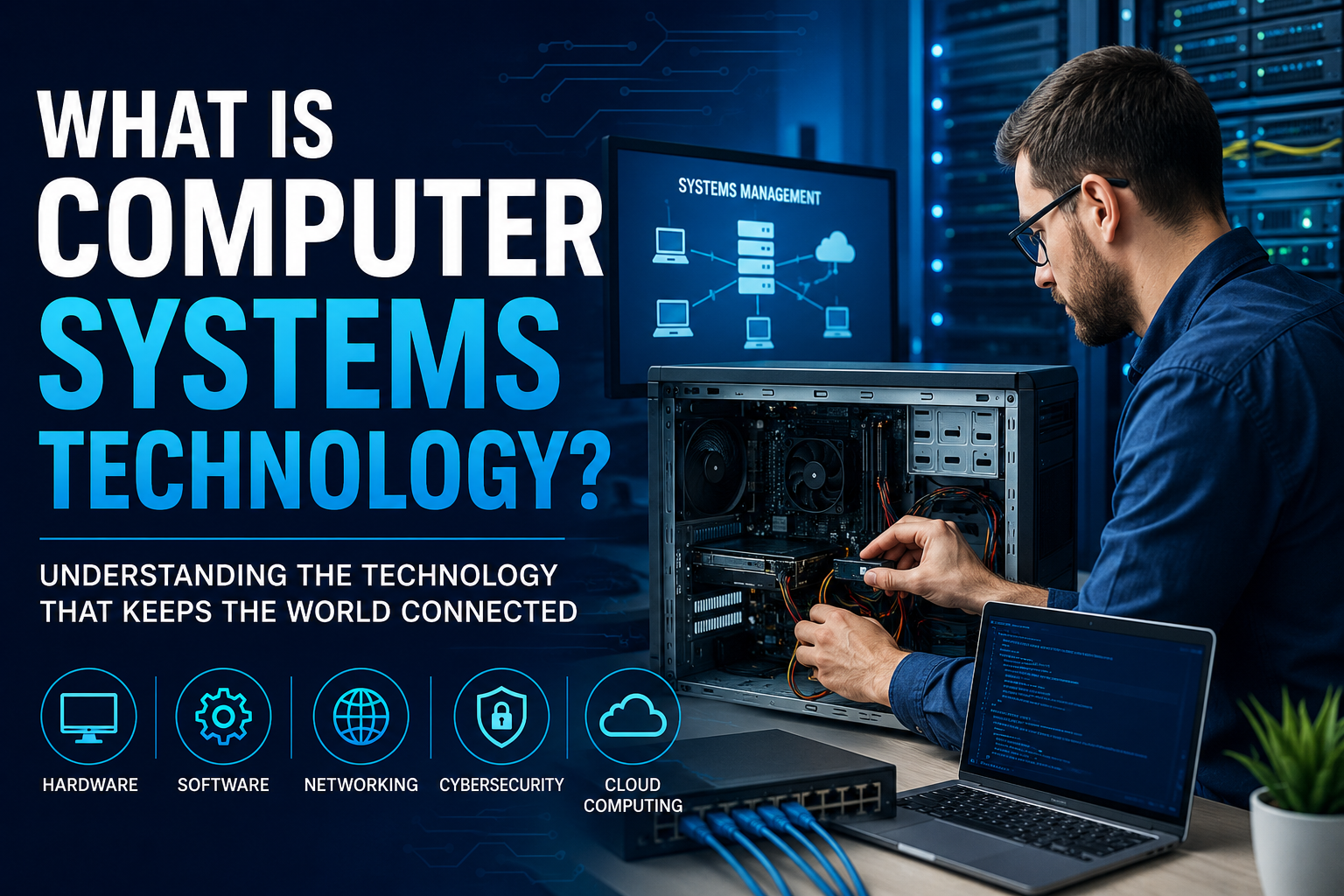
Technology is woven into almost every part of our daily lives. From smartphones and laptops to online banking and cloud storage, computer systems work behind the scenes to keep everything running smoothly. But have you ever wondered who designs, manages, and maintains these systems?
That is where Computer Systems Technology (CST) comes in.
In my experience researching technology careers and modern IT infrastructure, Computer Systems Technology is one of the most practical and versatile fields in the tech industry. It combines hardware, software, networking, security, and problem-solving skills to create and maintain the computer systems that businesses and individuals rely on every day.
Whether you’re considering a career in technology, choosing a college program, or simply curious about how modern computer systems work, this guide will help you understand everything you need to know about Computer Systems Technology.
What Is Computer Systems Technology?
Computer Systems Technology is a field focused on the installation, management, maintenance, and optimization of computer systems and networks.
Professionals in this field ensure that computers, servers, software applications, databases, and communication networks operate efficiently and securely.
Simply put, Computer Systems Technology bridges the gap between technology and its practical use in organizations.
A computer systems technology specialist may:
- Install computer hardware
- Configure operating systems
- Manage business networks
- Troubleshoot technical issues
- Maintain cybersecurity measures
- Support cloud-based systems
- Monitor system performance
- Assist users with technical problems
Without these professionals, many businesses would struggle to operate effectively in today’s digital environment.
Read More: What Is Technology and Engineering?
Why Is Computer Systems Technology Important?
Imagine a hospital losing access to patient records, a bank experiencing network failures, or an online store crashing during a major sale.
Computer systems are the foundation of modern operations. When systems fail, productivity, revenue, and customer trust can suffer.
Computer Systems Technology helps organizations:
- Improve efficiency
- Protect sensitive information
- Reduce downtime
- Enhance communication
- Support remote work
- Scale operations as businesses grow
In my observation, companies increasingly depend on technology for nearly every business process, making skilled computer systems professionals more valuable than ever.
Understanding the Main Components of Computer Systems Technology
To fully understand Computer Systems Technology, it helps to break it down into its core components.
1. Computer Hardware
Hardware refers to the physical components of a computer system.
Examples include:
- Desktop computers
- Laptops
- Servers
- Hard drives
- Processors (CPUs)
- Memory (RAM)
- Printers
- Network devices
Computer systems professionals often install, upgrade, and troubleshoot these devices.
For example, if an employee’s computer constantly crashes, a technician may diagnose whether the issue is caused by faulty memory, an overheating processor, or a failing storage drive.
2. Software Systems
Software provides the instructions that tell hardware what to do.
Common software includes:
- Operating systems
- Productivity applications
- Database software
- Security programs
- Enterprise management systems
A major part of Computer Systems Technology involves installing, updating, and maintaining software environments.
3. Networking
Networking connects computers and devices so they can share information.
Examples include:
- Local Area Networks (LANs)
- Wide Area Networks (WANs)
- Wi-Fi systems
- Internet connections
- Virtual Private Networks (VPNs)
Networking is one of the most valuable skills in the field because nearly every organization depends on connected systems.
4. Cybersecurity
Cybersecurity focuses on protecting systems and data from threats.
Tasks may include:
- Monitoring security risks
- Managing firewalls
- Implementing access controls
- Installing security updates
- Responding to cyber incidents
As cyberattacks become more common, security has become a critical responsibility within Computer Systems Technology.
5. Cloud Computing
Many organizations now use cloud platforms instead of traditional on-site servers.
Popular cloud services include:
- Data storage
- Application hosting
- Virtual machines
- Backup solutions
Computer systems professionals often help businesses migrate to and manage cloud environments.
What Skills Are Needed in Computer Systems Technology?
One reason I find this field appealing is that it combines technical expertise with practical problem-solving.
Successful professionals typically develop the following skills.
Technical Skills
These include:
- Operating systems management
- Network administration
- Hardware troubleshooting
- Cloud computing
- Cybersecurity fundamentals
- Database management
- System monitoring
Problem-Solving Skills
Technology issues rarely come with obvious answers.
Professionals must:
- Identify the problem.
- Analyze possible causes.
- Test solutions.
- Implement fixes.
- Prevent future issues.
Strong analytical thinking is often more valuable than simply memorizing technical information.
Communication Skills
A common misconception is that technology professionals only work with computers.
In reality, they spend significant time helping people understand technical issues.
Being able to explain complex concepts in simple language is a major advantage.
Adaptability
Technology changes rapidly.
New software, hardware, and security threats emerge constantly.
The best professionals commit to continuous learning throughout their careers.
Common Career Paths in Computer Systems Technology
One of the biggest advantages of Computer Systems Technology is the variety of career opportunities available.
Here are some popular roles.
Computer Support Specialist
Responsibilities include:
- Assisting users with technical issues
- Installing software
- Troubleshooting hardware problems
- Maintaining workstations
This is often an excellent entry point into the technology industry.
Network Administrator
Network administrators manage:
- Business networks
- Internet connectivity
- Network security
- Performance monitoring
They help ensure reliable communication between devices and systems.
Systems Administrator
Systems administrators oversee:
- Servers
- Operating systems
- User accounts
- Software deployment
- System performance
Their goal is to keep organizational systems running smoothly.
Cybersecurity Analyst
These professionals focus on:
- Threat detection
- Security monitoring
- Risk management
- Incident response
Cybersecurity is one of the fastest-growing areas within technology.
Cloud Administrator
Cloud administrators manage cloud-based resources such as:
- Virtual servers
- Cloud storage
- Cloud applications
- Infrastructure services
As businesses move to cloud platforms, demand for these specialists continues to increase.
Real-World Example of Computer Systems Technology in Action
Consider a medium-sized company with 200 employees.
Every day, workers rely on:
- Email systems
- Business software
- Shared files
- Internet access
- Cloud applications
- Security systems
A Computer Systems Technology team may:
- Set up employee computers
- Maintain the company’s network
- Protect data from cyber threats
- Install software updates
- Resolve technical issues
- Monitor system performance
Without this support, daily operations could quickly become disrupted.
This example illustrates why Computer Systems Technology is essential for organizations of all sizes.
How to Start a Career in Computer Systems Technology
If you’re interested in entering this field, here’s a practical path to follow.
Step 1: Learn the Fundamentals
Start by understanding:
- Computer hardware
- Operating systems
- Networking basics
- Security principles
Many free and affordable online resources are available.
Step 2: Gain Hands-On Experience
Practical experience is incredibly valuable.
Try:
- Building a computer
- Creating a home network
- Installing operating systems
- Using virtual machines
- Practicing troubleshooting
In my experience, hands-on learning often teaches more than theory alone.
Step 3: Earn Relevant Certifications
Popular certifications include:
- CompTIA A+
- CompTIA Network+
- CompTIA Security+
- Cisco certifications
- Microsoft certifications
Certifications can help demonstrate your skills to employers.
Step 4: Pursue Education
Many professionals enter the field through:
- Diploma programs
- Associate degrees
- Bachelor’s degrees
- Technical training programs
Formal education provides structured learning and career opportunities.
Step 5: Continue Learning
Technology evolves constantly.
Stay updated by:
- Following industry news
- Participating in online communities
- Attending workshops
- Completing advanced certifications
Continuous improvement is one of the keys to long-term success.
Benefits of Choosing Computer Systems Technology
There are several reasons why this field continues to attract new professionals.
Strong Job Demand
Organizations in nearly every industry need technology support and infrastructure management.
Diverse Career Options
You can specialize in:
- Networking
- Security
- Cloud computing
- Technical support
- Systems administration
Opportunities for Growth
Many professionals advance into leadership, consulting, or specialized technical roles.
Practical Problem-Solving
The work is dynamic and often involves solving real-world challenges.
Continuous Learning
For people who enjoy technology and innovation, the field rarely becomes boring.
Challenges to Consider
Like any profession, Computer Systems Technology comes with challenges.
These may include:
- Keeping up with changing technology
- Managing security risks
- Handling system emergencies
- Troubleshooting complex problems
- Supporting users under pressure
However, many professionals find these challenges rewarding because they create opportunities to learn and grow.
The Future of Computer Systems Technology
The future looks promising for this field.
Several trends are shaping the industry:
- Artificial Intelligence integration
- Cloud-first infrastructure
- Advanced cybersecurity requirements
- Internet of Things (IoT) expansion
- Automation technologies
- Remote and hybrid work environments
As organizations continue investing in technology, skilled computer systems professionals will remain essential.
Those who continuously update their knowledge will likely enjoy strong career prospects for years to come.
Conclusion
Computer Systems Technology is the discipline that keeps modern technology functioning efficiently, securely, and reliably. It combines hardware, software, networking, cybersecurity, and cloud computing into a practical field that supports businesses and individuals alike.
From my research and experience exploring technology careers, one thing stands out: Computer Systems Technology offers a strong balance of job opportunities, hands-on problem-solving, and long-term growth potential. Whether you’re interested in supporting users, managing networks, securing data, or working with cloud technologies, this field provides multiple paths to success.
If you’re considering a future in technology, learning the fundamentals of Computer Systems Technology is an excellent place to start. The skills you develop today can open doors to some of the most in-demand careers in the digital world tomorrow.