
Have you ever stopped to think about how many times you interact with computer technology in a single day?
The moment my smartphone alarm wakes me up, computer technology is already working behind the scenes. It checks the time, syncs with cloud services, displays the weather, and even recommends the fastest route to work. By breakfast, I’ve already used several forms of computer technology without consciously thinking about them.
A recent report by leading technology research firms estimates that billions of connected digital devices are active worldwide, making computer technology one of the most influential innovations in human history.
But what exactly is computer technology?
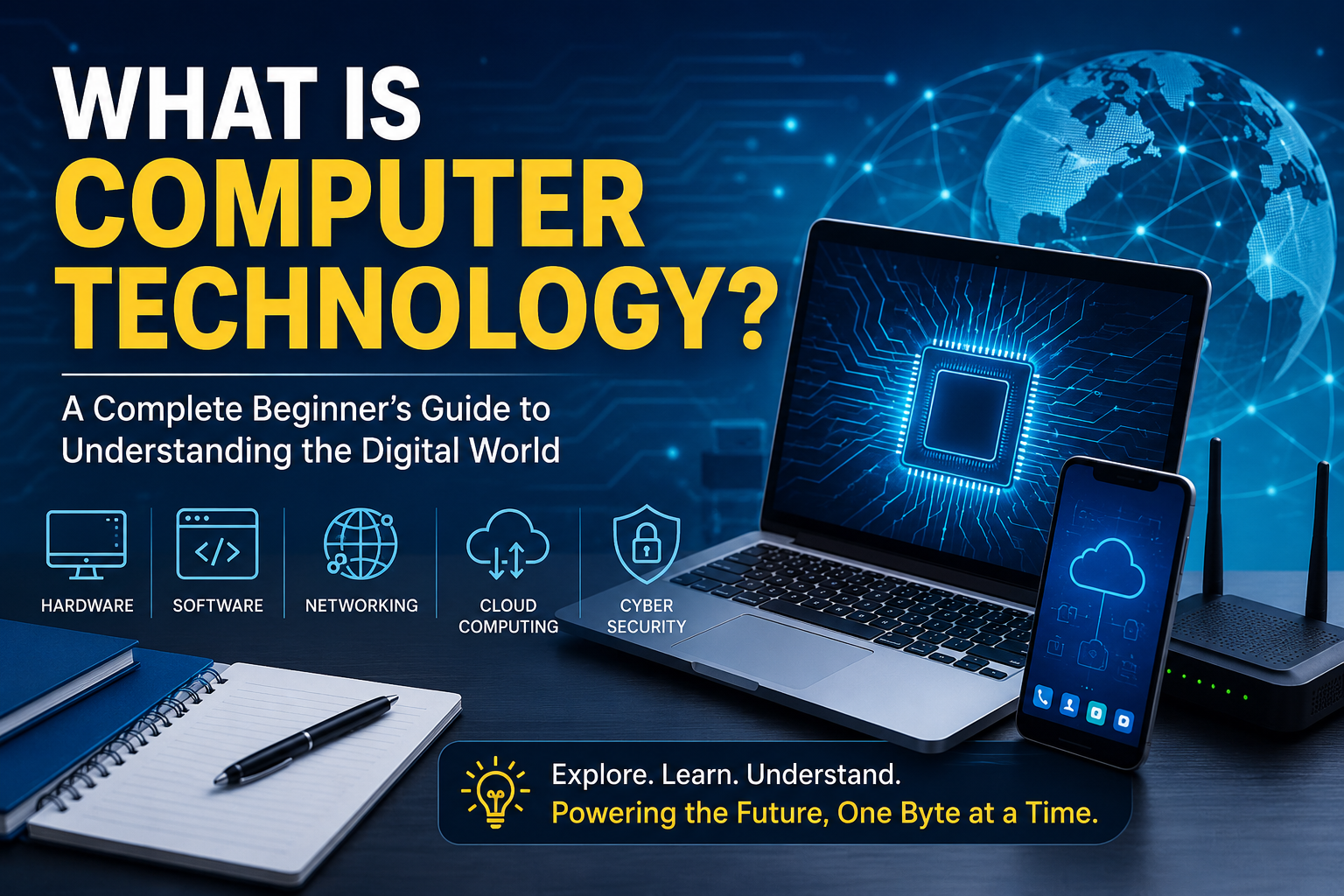
In simple terms, computer technology is the design, development, and use of computers, software, networks, and digital systems to process, store, and communicate information. It combines hardware, software, programming, networking, cybersecurity, and emerging technologies like artificial intelligence to solve real-world problems.
In this guide, I’ll explain computer technology in plain English, share practical examples, and show why understanding it is becoming an essential life skill—even if you’re not planning to become a programmer.
Understanding Computer Technology
Computer technology isn’t just about desktop computers anymore.
It includes almost every digital device we use today, such as:
- Desktop computers
- Laptops
- Smartphones
- Tablets
- Smart TVs
- Smart watches
- Gaming consoles
- Cloud computing services
- Artificial Intelligence (AI)
- Internet-connected devices (IoT)
Think of computer technology as the entire ecosystem that allows digital devices to work together efficiently.
Whenever you send an email, stream a movie, order food online, or make a digital payment, multiple computer technologies are working simultaneously.
See More: What Is an Information Technology Consultant?
The Main Components of Computer Technology
Understanding computer technology becomes much easier when you break it into smaller pieces.
1. Hardware
Hardware refers to the physical parts of a computer.
Examples include:
- CPU (Central Processing Unit)
- Monitor
- Keyboard
- Mouse
- RAM
- Hard Drive or SSD
- Motherboard
- Graphics Card
I once upgraded an old laptop from a traditional hard drive to an SSD. The difference honestly surprised me. Programs opened in seconds instead of minutes, proving that even one hardware upgrade can dramatically improve performance.
2. Software
Software tells the hardware what to do.
There are two main categories:
System Software
This includes operating systems like:
- Windows
- macOS
- Linux
- Android
- iOS
These manage the computer’s resources and allow applications to run smoothly.
Application Software
These are the programs we use daily.
Examples include:
- Microsoft Word
- Google Chrome
- Adobe Photoshop
- Zoom
- Spotify
- Microsoft Excel
Without software, even the most powerful computer is just an expensive collection of electronic components.
3. Networking
Networking allows computers to communicate with each other.
Examples include:
- Wi-Fi
- Ethernet
- Bluetooth
- The Internet
- Cloud computing
Imagine networking as thousands of digital highways connecting millions of devices across the globe.
4. Data Storage
Every document, photo, and video needs a place to live.
Storage options include:
- Hard Disk Drives (HDD)
- Solid State Drives (SSD)
- USB flash drives
- Memory cards
- Cloud storage
Cloud platforms like Google Drive, Microsoft OneDrive, and Dropbox have completely changed how we save and access files from anywhere.
5. Cybersecurity
As technology grows, protecting information becomes increasingly important.
Cybersecurity focuses on protecting:
- Personal information
- Financial data
- Business systems
- Online accounts
- Networks
Using strong passwords, enabling two-factor authentication, and keeping software updated are simple habits that make a huge difference
How Computer Technology Works
At its core, every computer follows a basic cycle.
Input
The computer receives information.
Examples include:
- Typing on a keyboard
- Clicking a mouse
- Speaking into a microphone
- Touching a screen
Processing
The CPU processes the information using software instructions.
Storage
The processed data is stored temporarily or permanently.
Output
Finally, the computer displays results.
Examples include:
- Showing text
- Playing music
- Printing documents
- Displaying videos
This process happens incredibly fast—often billions of times every second.
Why Computer Technology Is Important
Computer technology has transformed nearly every aspect of modern life.
Education
Students now learn through:
- Online classrooms
- Educational apps
- Digital textbooks
- Interactive simulations
Learning is no longer limited to physical classrooms.
Business
Businesses rely heavily on technology for:
- Customer management
- Accounting
- Marketing
- Video conferencing
- Inventory tracking
- Data analysis
Even small businesses now use cloud-based tools that were once only available to large corporations.
Healthcare
Doctors use computer technology for:
- Electronic health records
- Medical imaging
- Robotic surgery
- Telemedicine
- AI-assisted diagnosis
These innovations improve patient care while reducing errors.
Entertainment
Streaming services, gaming, and social media all depend on computer technology.
Popular platforms include:
- Netflix
- YouTube
- Disney+
- Steam
- Spotify
What once required shelves full of DVDs now fits inside a smartphone.
Banking
Online banking has made managing money easier than ever.
People can now:
- Transfer money
- Pay bills
- Apply for loans
- Invest
- Track expenses
—all from a mobile device.
Real-World Applications of Computer Technology
Computer technology powers industries you might never think about.
Examples include:
- Self-driving vehicles
- Smart homes
- Online shopping
- Weather forecasting
- Space exploration
- Manufacturing robots
- Agriculture automation
- Financial trading
One of my favorite examples is GPS navigation. It’s easy to take it for granted, but every route suggestion depends on satellites, networking, software algorithms, and powerful computers working together in real time.
Emerging Trends in Computer Technology
Technology continues to evolve rapidly.
Some of today’s biggest innovations include:
Artificial Intelligence (AI)
AI helps computers perform tasks that normally require human intelligence.
Examples include:
- Chatbots
- Voice assistants
- Image recognition
- Language translation
- Recommendation systems
Cloud Computing
Instead of storing everything on your own computer, cloud services let you access files and software online.
Benefits include:
- Easy collaboration
- Automatic backups
- Remote work
- Scalability
Internet of Things (IoT)
Smart devices communicate over the internet.
Examples include:
- Smart thermostats
- Smart security cameras
- Smart refrigerators
- Fitness trackers
Quantum Computing
Although still developing, quantum computing has the potential to solve complex problems far faster than traditional computers.
Scientists believe it could revolutionize medicine, cybersecurity, and scientific research.
Common Challenges of Computer Technology
Like every innovation, computer technology also presents challenges.
Some common issues include:
Cybersecurity threats
Hackers constantly develop new attack methods.
Solution:
Use antivirus software, strong passwords, and software updates.
Privacy concerns
Many apps collect user data.
Solution:
Review privacy settings and limit unnecessary permissions.
Rapid technological change
Technology evolves quickly.
Solution:
Focus on learning core concepts instead of memorizing specific software versions.
Digital addiction
Too much screen time can affect health and productivity.
Solution:
Take regular breaks and maintain healthy digital habits.
How to Learn Computer Technology
You don’t need a computer science degree to understand technology.
Here’s the approach that worked best for me.
Step 1
Learn basic computer hardware.
Understand what each component does.
Step 2
Become comfortable using Windows, macOS, or Linux.
Step 3
Practice with everyday software.
Examples include:
- Word processors
- Spreadsheets
- Presentation software
Step 4
Learn basic networking concepts.
Understand Wi-Fi, routers, and internet safety.
Step 5
Explore beginner programming.
Languages like Python are beginner-friendly and widely used.
Consistency matters more than speed. Even spending 20–30 minutes a day learning something new can lead to significant progress over time.
My Personal Experience Learning Computer Technology
When I first became interested in computers, I assumed I needed to understand every technical detail before I could do anything useful. That mindset quickly became overwhelming.
Instead, I started with small projects—organizing files, upgrading an old laptop, troubleshooting Wi-Fi issues, and experimenting with free software. Each success built confidence.
One memorable moment was helping a family member recover important photos after accidentally deleting them. It wasn’t a dramatic Hollywood hacking scene—just patient troubleshooting with recovery software—but it reminded me that computer technology isn’t only about machines. It’s about solving real problems for real people.
That hands-on approach taught me more than simply reading technical manuals ever could.
Quick Tips for Understanding Computer Technology
- Learn one concept at a time.
- Practice using technology daily.
- Stay curious about new developments.
- Protect your online accounts.
- Back up important files regularly.
- Don’t be afraid to experiment—you often learn the most by fixing mistakes.
Frequently Asked Questions
What is computer technology in simple words?
Computer technology is the use of computers, software, networks, and digital systems to process, store, and share information efficiently.
Why is computer technology important today?
It supports communication, education, healthcare, banking, entertainment, business, transportation, and countless everyday activities that make modern life more efficient and connected.
What are the main parts of computer technology?
The major components include hardware, software, networking, data storage, cybersecurity, databases, and cloud computing.
Is computer technology the same as information technology (IT)?
Not exactly. Computer technology focuses on computers and digital systems, while information technology is a broader field that includes managing, maintaining, and securing technology infrastructure within organizations.
Can beginners learn computer technology?
Absolutely. With online tutorials, practice, and curiosity, anyone can build a strong understanding of computer technology, regardless of age or background.
Conclusion
Computer technology has become the backbone of modern society. From the smartphone in your pocket to artificial intelligence powering innovative applications, it influences nearly every part of our personal and professional lives.
The exciting part is that you don’t need to become a software engineer to benefit from understanding it. Learning the basics helps you work smarter, protect your digital life, solve everyday problems, and confidently adapt to future innovations.
Technology will continue evolving, but the fundamental concepts remain the same: computers receive information, process it, store it, and produce useful results. Once you understand those building blocks, everything else becomes much easier to learn.
As you continue exploring computer technology, stay curious, keep experimenting, and don’t worry about knowing everything at once. Every expert started as a beginner, and each small step builds the confidence to tackle bigger challenges.